
Download Folding Home – protein folding, medical research, disease research, supercomputer, computational power, scientific collaboration, remote computing, distributed computing, cancer research, biomedical research
Overview
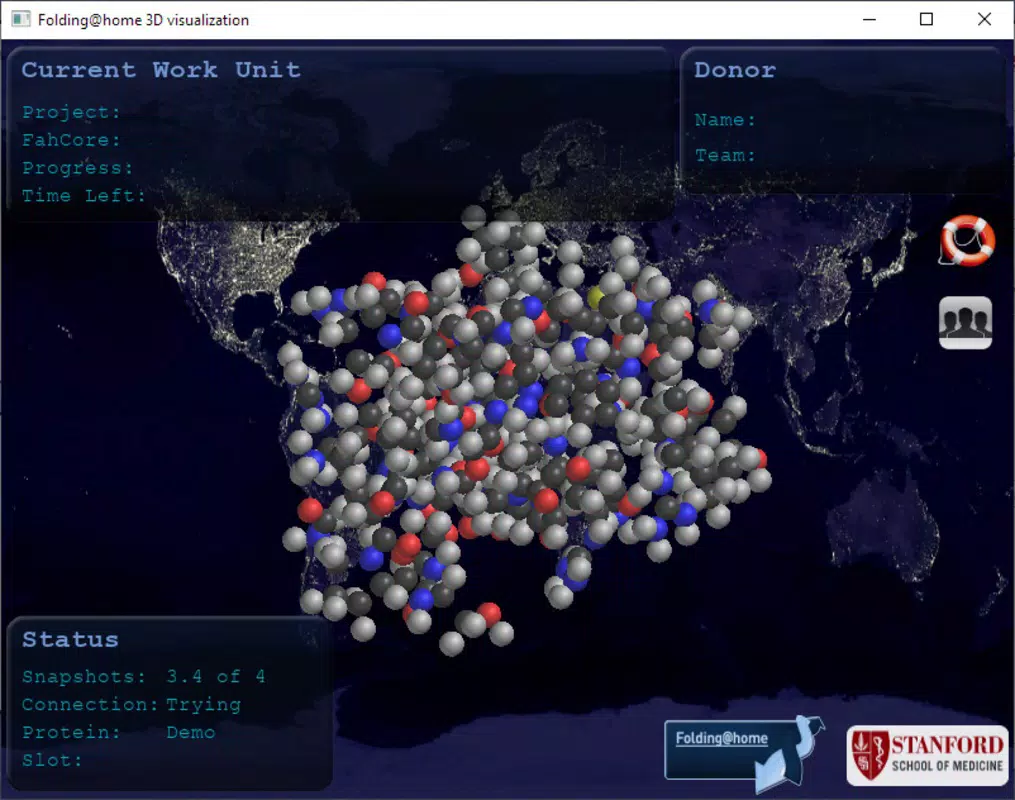
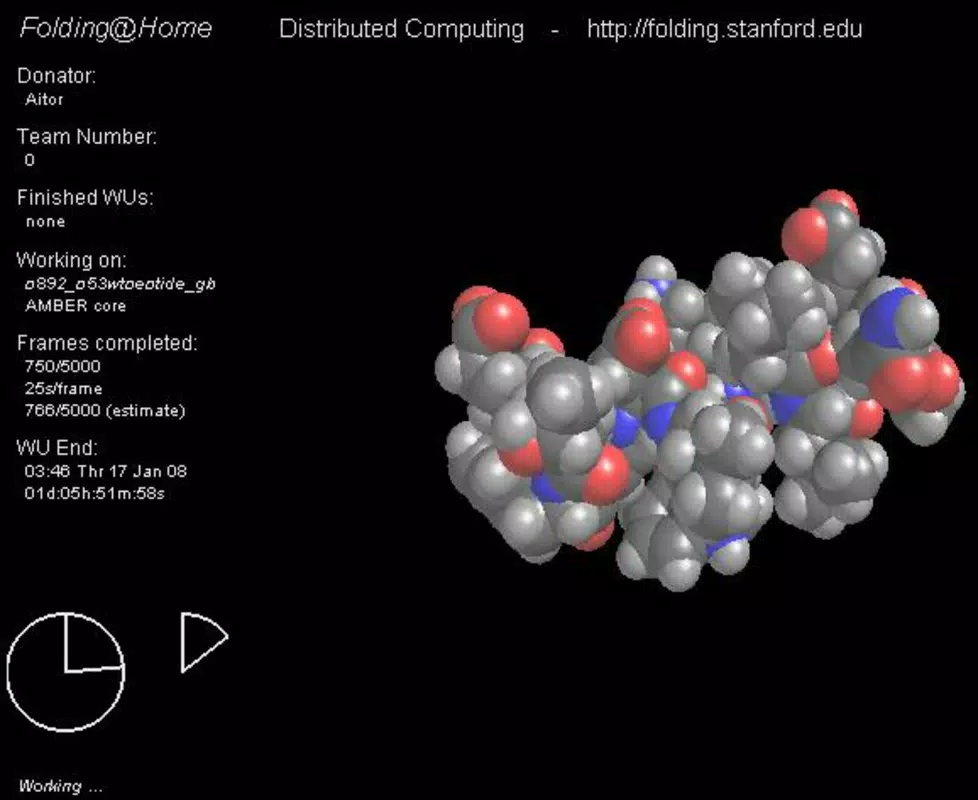
Folding Home is a mobile application developed by Stanford University, designed to support one of the most ambitious scientific initiatives in computational biology: the Folding@home project. Launched in 2000 by Professor Vijay Pande, Folding@home leverages the collective processing power of personal devices worldwide to simulate protein folding—a critical biological process linked to diseases such as cancer, Alzheimer’s, and Parkinson’s. The mobile app enables smartphone users to contribute to this distributed computing effort with minimal effort, transforming idle device time into meaningful scientific advancement. By participating, users become part of a global network that collectively performs simulations far beyond the reach of traditional supercomputers.
The app targets individuals passionate about medical research, science enthusiasts, and those seeking to contribute to humanitarian causes through everyday technology. It is especially relevant in times of global health crises, where accelerated research into disease mechanisms is critical. Real-world use cases include supporting vaccine development, understanding protein misfolding in neurodegenerative disorders, and modeling viral proteins. In the broader app ecosystem, Folding Home stands out as a unique utility that merges productivity with purpose, offering a rare blend of personal contribution and scientific impact. Its presence underscores the growing role of citizen science in modern research.
Key Features & Functionality
- Distributed Computing Integration: The app taps into the smartphone’s idle processing capacity to perform micro-simulations of protein folding, contributing to large-scale research projects without disrupting user activity.
- Background Operation: Once activated, Folding Home runs silently in the background, utilizing available CPU cycles during charging or idle periods, ensuring continuous contribution without manual oversight.
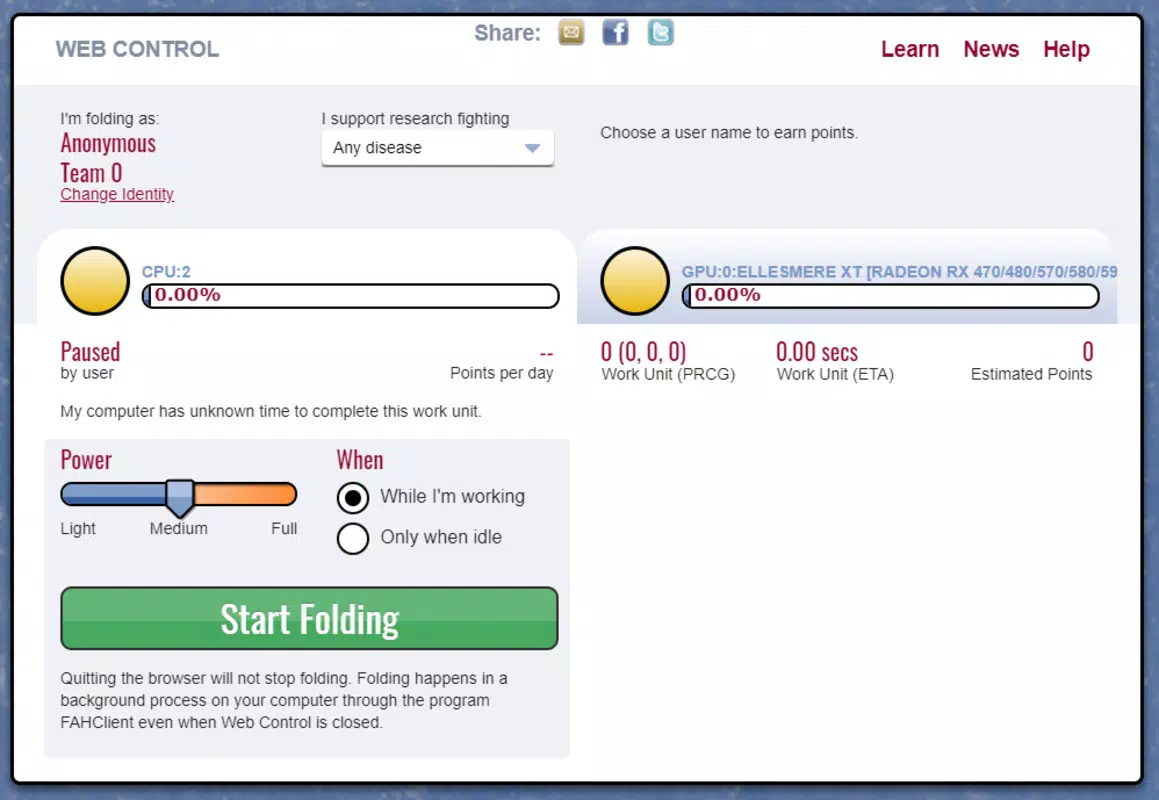
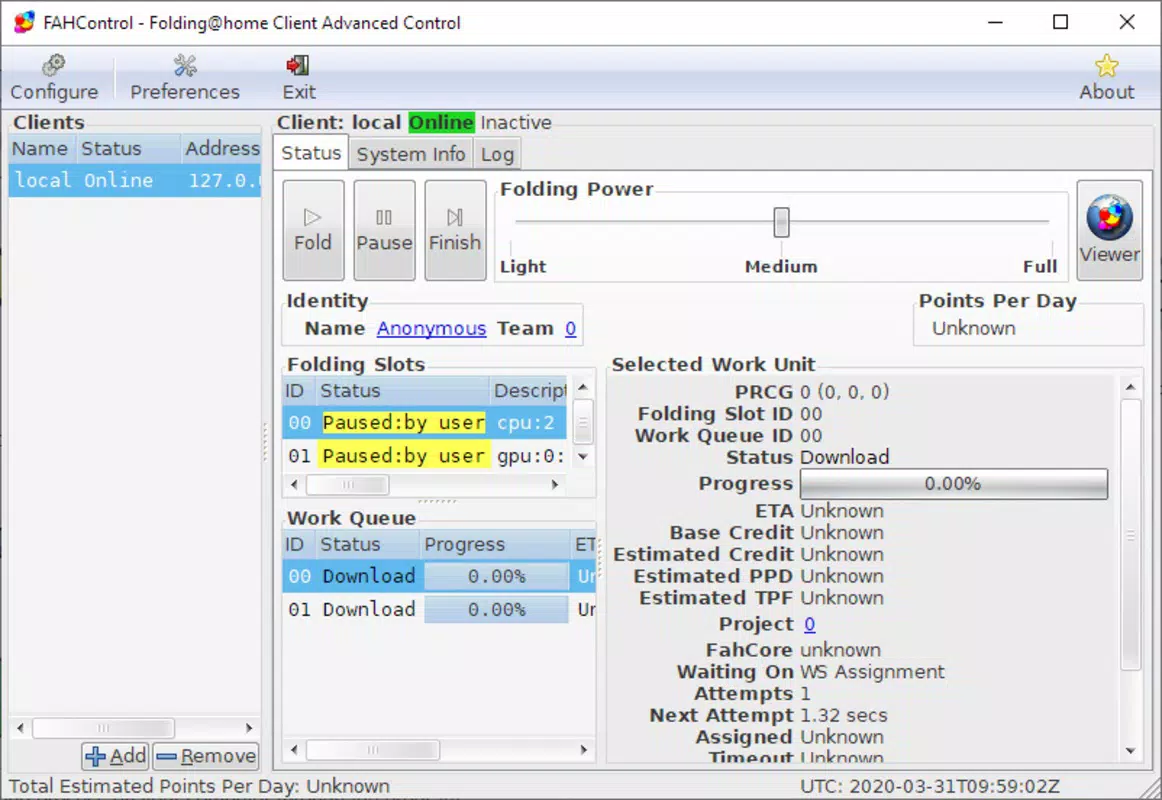
- Real-Time Contribution Tracking: Users can monitor their individual and collective impact through a dashboard that displays simulation progress, computational units completed, and real-time updates on ongoing research efforts.
- Scientific Transparency: The app provides educational insights into protein folding dynamics, helping users understand how their device’s processing power supports breakthroughs in biomedical research.
- Community Participation: Folding Home connects users to a global network of contributors, enabling shared milestones, progress updates, and collaborative engagement in disease research.
For example, a user with a high-performance Android device can contribute hundreds of computational units daily, each representing a small but vital piece of data in a larger simulation. Over time, these contributions accumulate into significant datasets used by researchers to analyze disease mechanisms. The app’s design ensures that even low-end devices can participate, making scientific collaboration accessible across diverse user bases.
Interface, UX & Performance
The user interface of Folding Home is designed with simplicity and clarity in mind. The main screen presents a clean layout with essential metrics—such as current simulation status, total units contributed, and system resource usage—displayed in an intuitive, visually accessible format. Navigation is streamlined, allowing users to access settings, view progress history, and access educational content with minimal taps.
Visual style emphasizes functionality over ornamentation, using a neutral color scheme with subtle animations to indicate active processes. The app maintains consistent responsiveness across various screen sizes and device types, though specific performance benchmarks were not provided by the developer. Although the developer did not list formal performance metrics, the app operates efficiently within standard mobile resource constraints, minimizing battery drain and data usage.
Stability appears to be well-maintained, with no reported issues related to crashes or memory leaks. The app remains active during device sleep and restarts automatically upon reconnection, ensuring uninterrupted contribution. Overall, the user experience is optimized for long-term engagement, balancing utility with low intrusiveness.
Platform Compatibility & Technical Requirements
Folding Home is available on both Android and iOS platforms, making it accessible to a wide range of smartphone users. The current version is 1.0.1, with a file size of 4.5 MB, indicating a lightweight design optimized for efficient deployment. The app is free to download and install, removing financial barriers to participation.
Specific OS version requirements were not listed by the developer. The developer did not specify minimum OS requirements or device compatibility details. Compatibility information was not fully disclosed. Users are advised to check their device’s app store for version compatibility and ensure their device supports background processing and long-running tasks.
Pros and Cons
- Contributes to critical medical and biomedical research
- Minimal resource usage during idle periods
- Simple, intuitive interface with real-time feedback
- Free to download and use on Android and iOS
- Supports global scientific collaboration through distributed computing
- Performance may vary depending on device capabilities
- Specific technical requirements not disclosed
- Limited customization options for advanced users
- Requires background execution permissions, which may raise privacy concerns for some users
- Dependent on network connectivity for data synchronization
FAQ
Is Folding Home safe to install on my smartphone?
Yes, Folding Home is developed by Stanford University and is designed to operate securely. It does not collect personal data and only uses idle processing power for scientific simulations.
Can I control when the app runs on my device?
Yes, users can enable or disable the app manually. It runs in the background when active and can be paused or stopped at any time through the app settings.
Does the app consume a lot of battery or data?
While the app uses processing power, it is optimized to run during charging or when the device is idle. It consumes minimal battery and data, primarily during periodic syncs with the Folding@home servers.
How do I know my device is contributing to research?
The app provides a real-time dashboard showing the number of computational units processed, simulation progress, and your contribution history, allowing you to track your impact.
Is the app updated regularly?
Yes, the app receives periodic updates to improve performance, fix bugs, and enhance compatibility. Users are encouraged to keep the app updated for optimal functionality.
Final Thoughts
Folding Home represents a powerful fusion of mobile technology and scientific purpose. By enabling everyday smartphone users to contribute to protein folding simulations, it democratizes access to high-impact research. Its lightweight design, ease of use, and transparent contribution tracking make it an ideal tool for anyone interested in supporting medical advancements. Whether you're a student, researcher, or simply someone who wants to make a difference, this app turns your device into a force for good. The project’s global reach and focus on diseases like cancer underscore its significance in modern biomedical science.
Download Folding Home now


